

BT-780
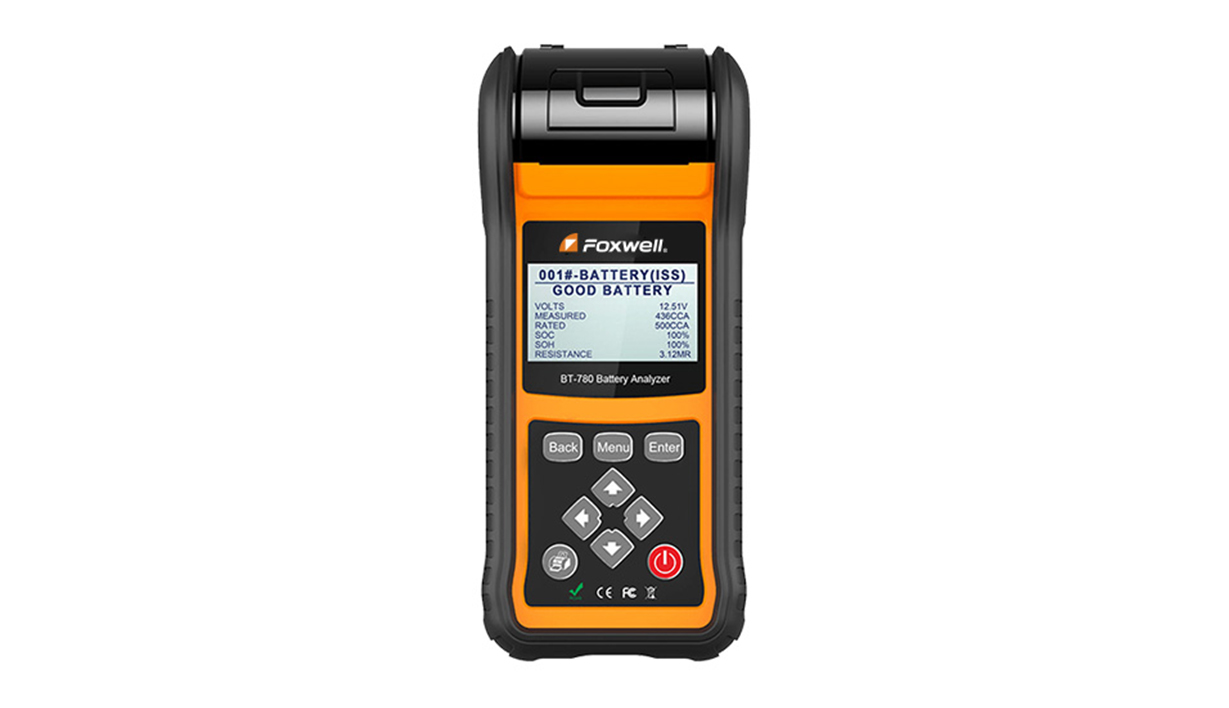
BT-780 Battery Analyzer is delicately developed to test 12V regular flooded, AGM flat plate, AGM spiral and gel batte...
DETAIL
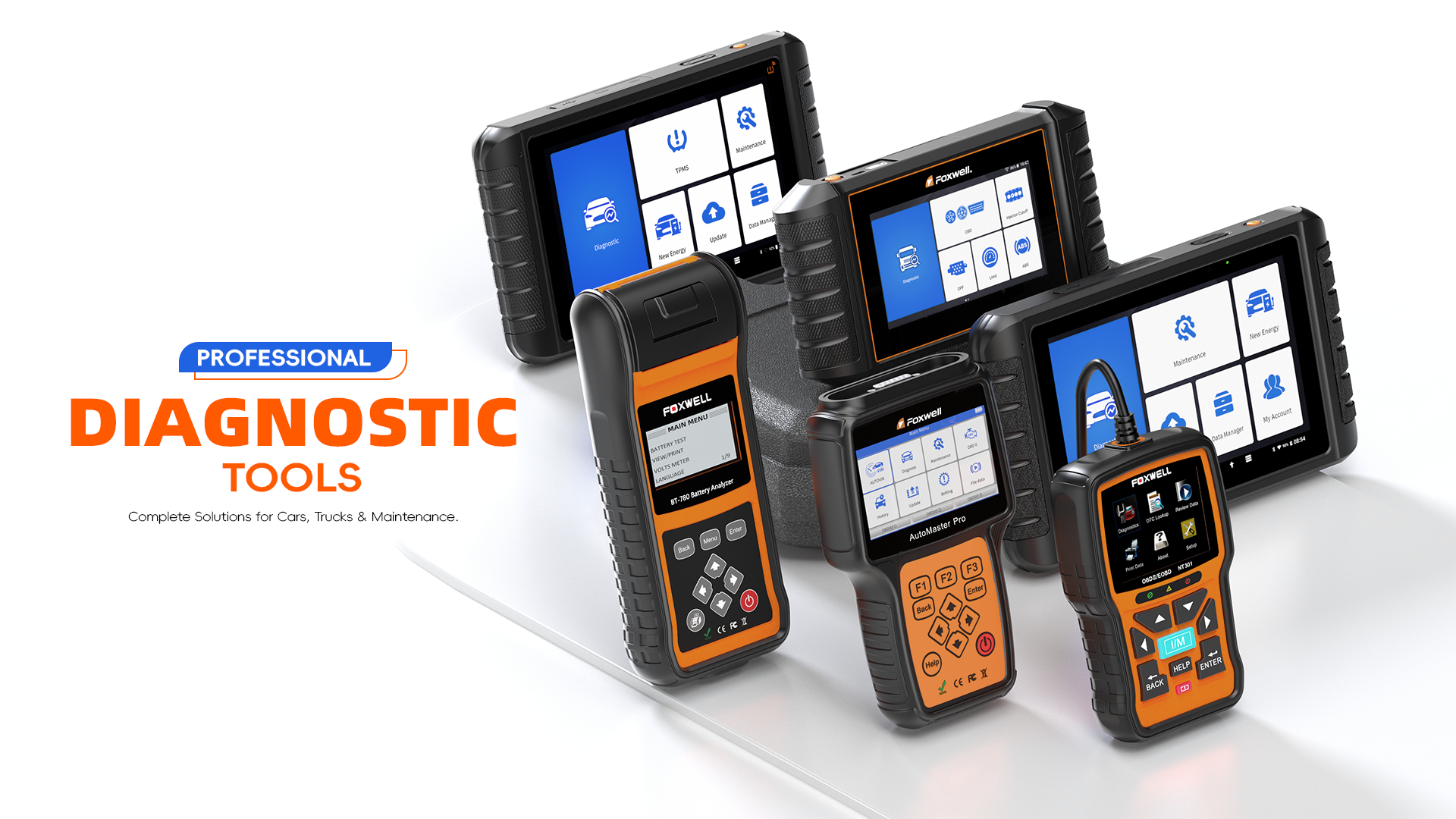
Foxwell is a professional supplier of automotive diagnostic products, services and solutions in the aftermarket. We combine industry knowledge, manufacturing expertise, and technological innovation to offer a broad portfolio including OBDII code readers, scanners and tablet diagnostic systems and other emerging tools for the benefits of our customers.
BT-780 Battery Analyzer is delicately developed to test 12V regular flooded, AGM flat plate, AGM spiral and gel batte...
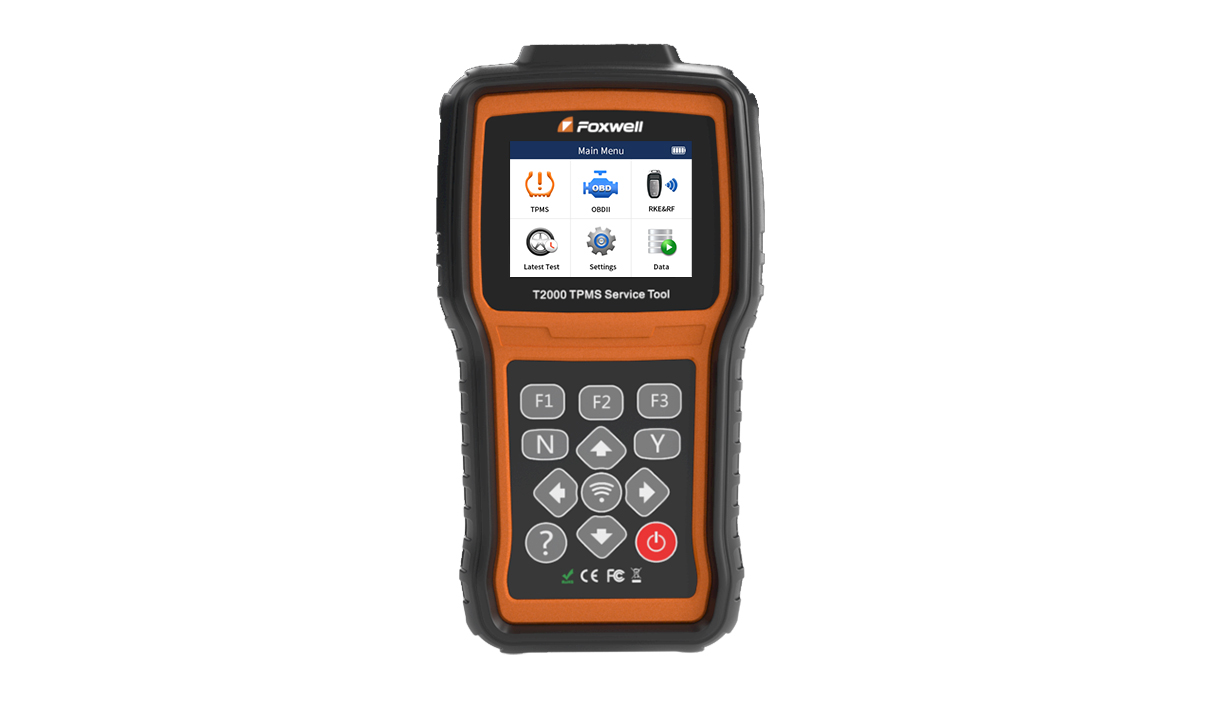
T2000 is a professional TPMS diagnostic and maintenance tool which can activate / decode universal TPMS sensors, prog...
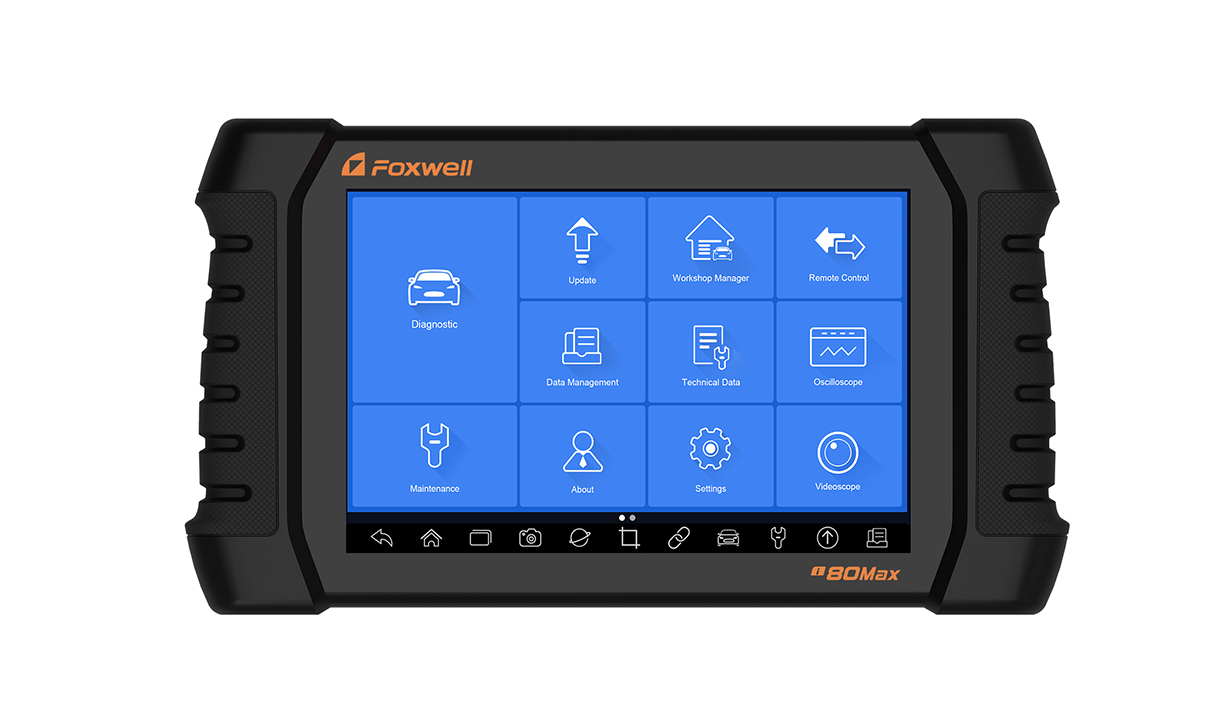
The newly released Foxwell i80Max, featuring multitasking Android 8.1 operating system, 10....
In order to help you to have a better understanding of Foxwell products, we offer free online training through hands-on training videos and slide shows. Also you will find how Foxwell products help our users to address their challenges and problems.
Important FOXWELL VCI Firmware Upgrade Notice
Dear FOXWELL Users,
FOXWELL has recently released a major VCI firmware upgrade. This update further improves vehicle connection stability, diagnostic efficiency, and the overall user experience.
We recommend connecting your device to the WiFi and upgrading the VCI firmware to the latest version as soon as possible.(Only for WiFi devices)
If you encounter any issues during the update, please contact the FOXWELL Customer Support Team at support@foxwelltech.com for assistance.
Thank you for your trust and support!
Important FOXWELL VCI Firmware Upgrade Notice
Dear FOXWELL Users,
FOXWELL has recently released a major VCI firmware upgrade. This update further improves vehicle connection stability, diagnostic efficiency, and the overall user experience.
We recommend connecting your device to the WiFi and upgrading the VCI firmware to the latest version as soon as possible.(Only for WiFi devices)
How to Update:
1. Connect your device to a stable WiFi.(Bluetooth VCI device, please use Type-C cable to connect VCI)
2. Go to [Update], download the latest version, and follow the on-screen instructions to complete the update.
3. Do not interrupt the device during the update process.
If you encounter any issues during the update, please contact the FOXWELL Customer Support Team at support@foxwelltech.com for assistance.
Thank you for your trust and support!
AWESOMENESS DELIVERED IN YOUR INBOX